Liquid Studio provides a set of Visual Studio extensions for working with XML technologies. The main core features added are:
Liquid Studio is also available as a alone stand application, see Liquid Studio Product Page
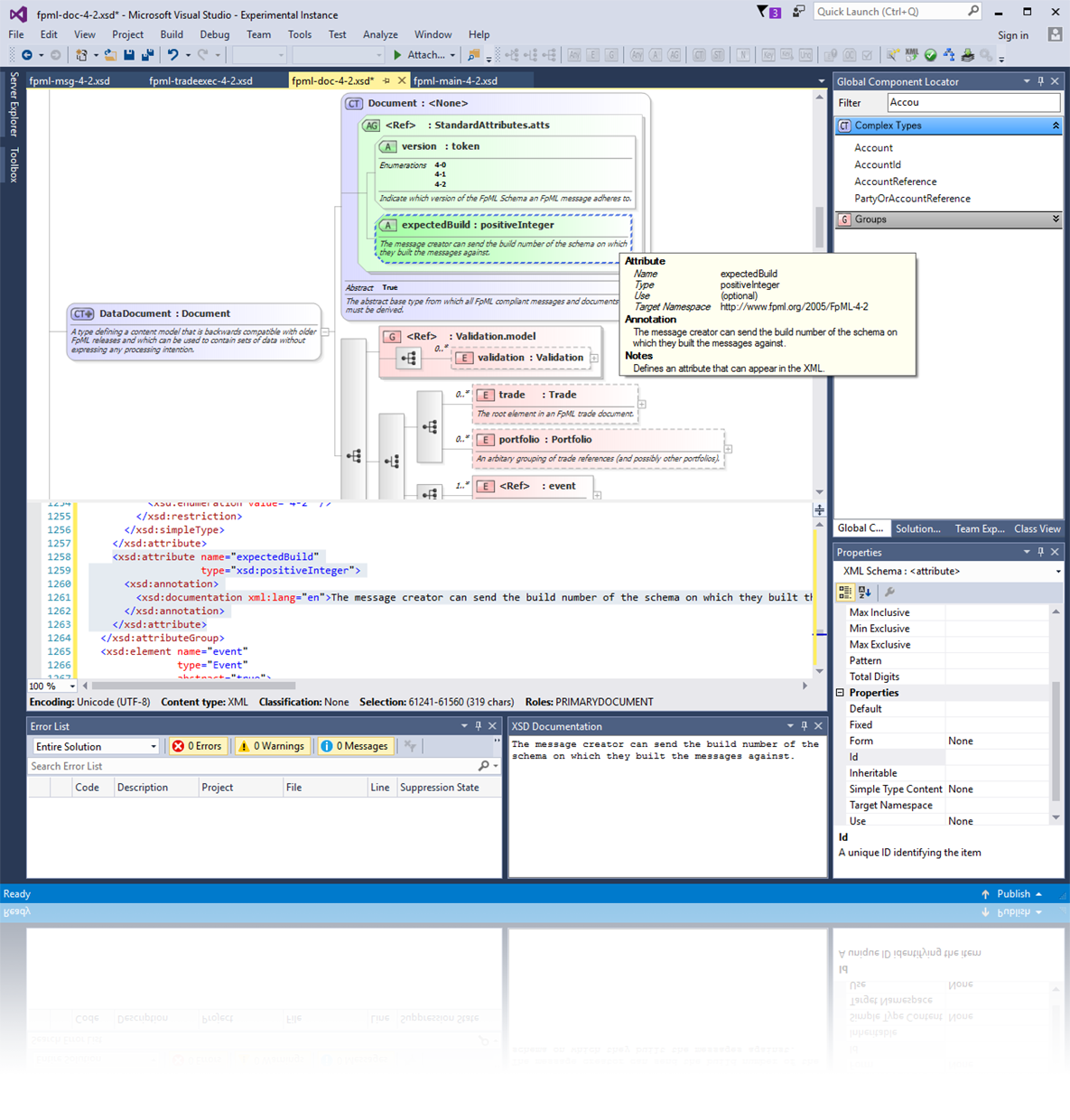
A graphical XSD editor, allowing you to visualize and edit your schemas. The editor provides an abstracted view of the XSD making it simple to understand your data. Context sensitive properties make using the more advanced features of the XSD standard simple, while drag and drop, cut & paste, and multi-step undo functionality makes editing your schema simple and intuitive.
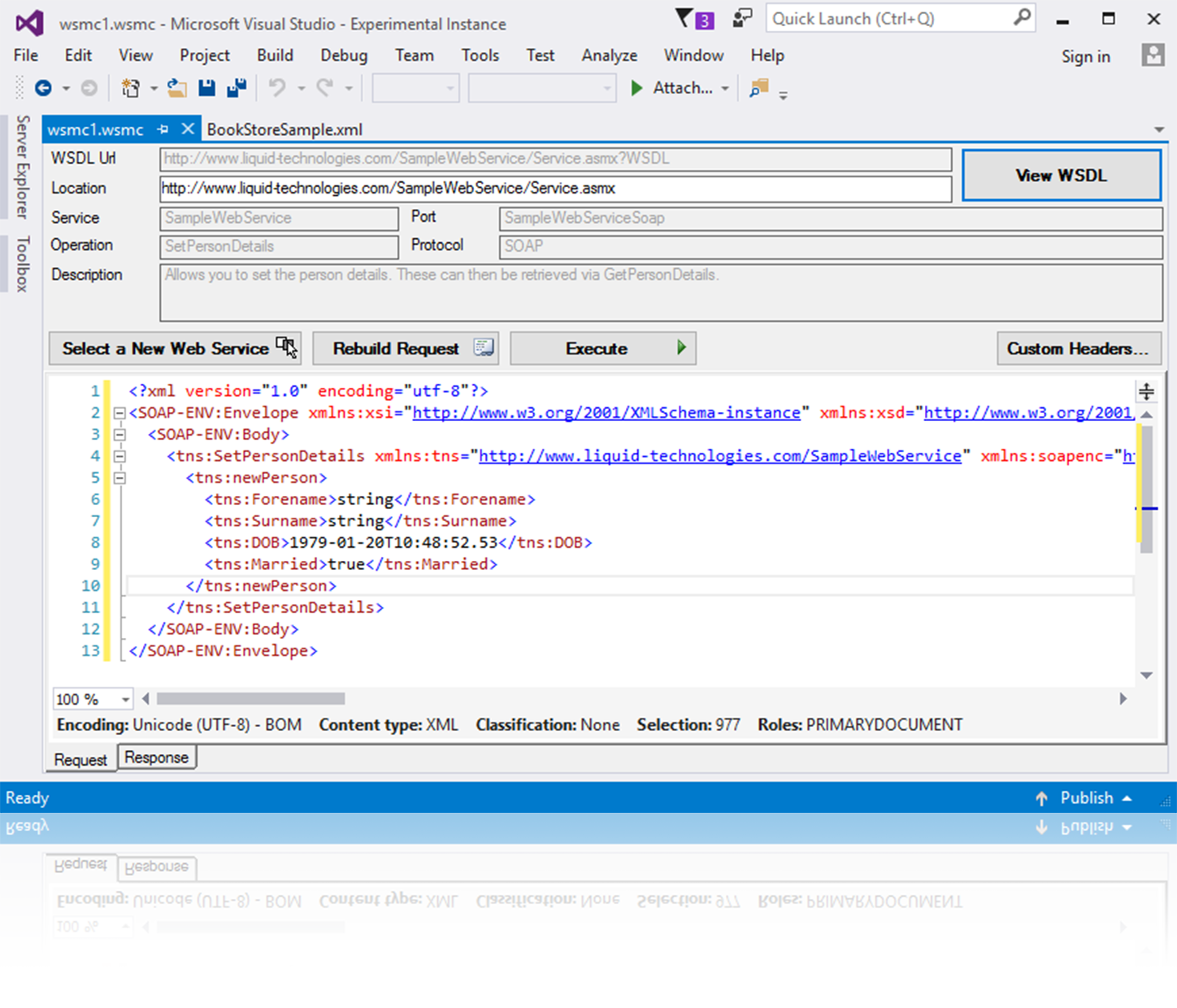
Makes it simple to explore the functions exposed by a web service. Individual web methods can then be called though the UI, which will automatically generate the XML required for the chosen method.
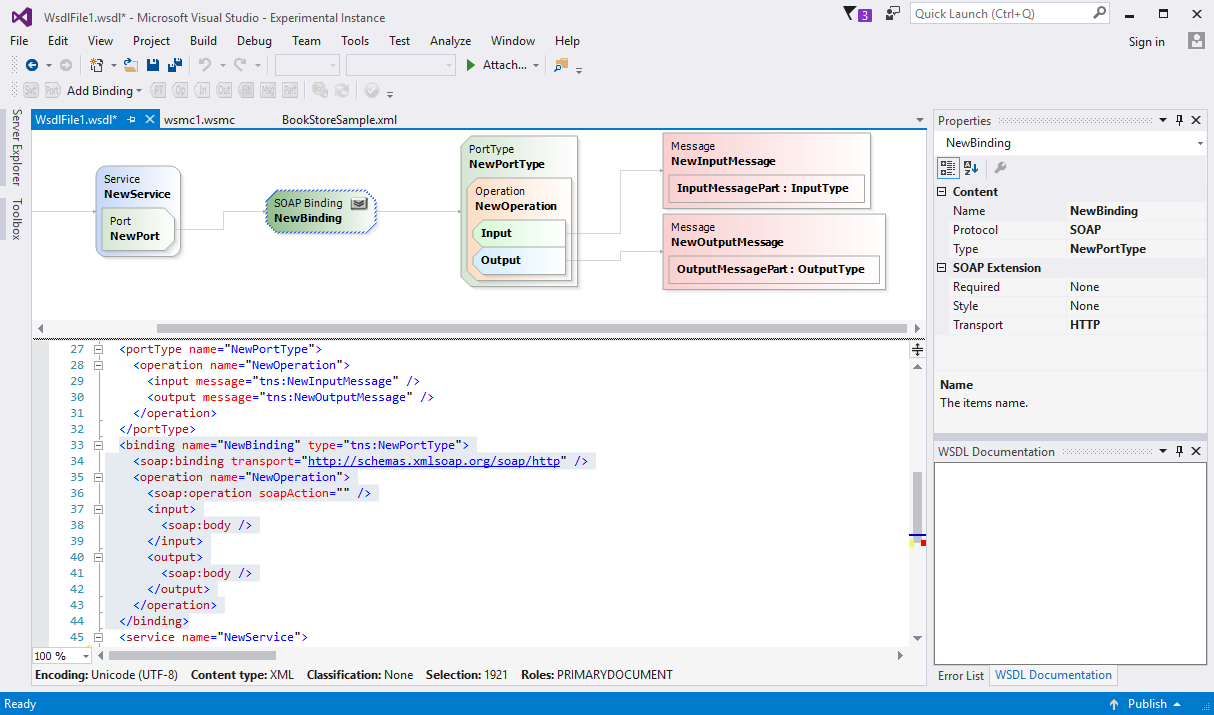
A Graphical XSD Editor provides a simple view that makes understanding and editing your WSDL document simple. Access to the full range of related facets is available via the properties window and the WSDL can be edited directly within the Source view.
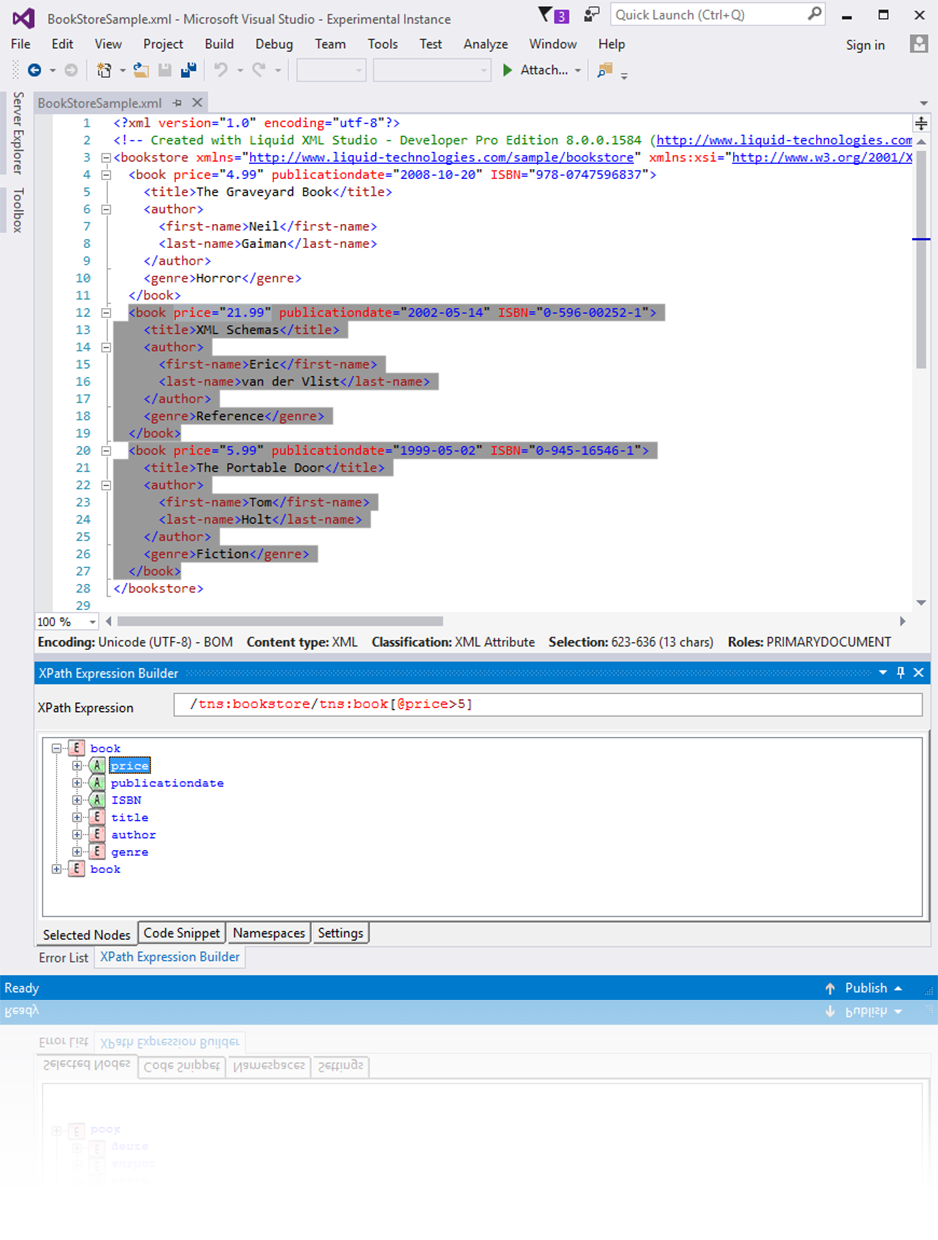
Highlights the results of your XPath query in real time against any XML document. Intellisense XPath expression builder. Code samples are provided for mainstream languages (C#, java etc.).
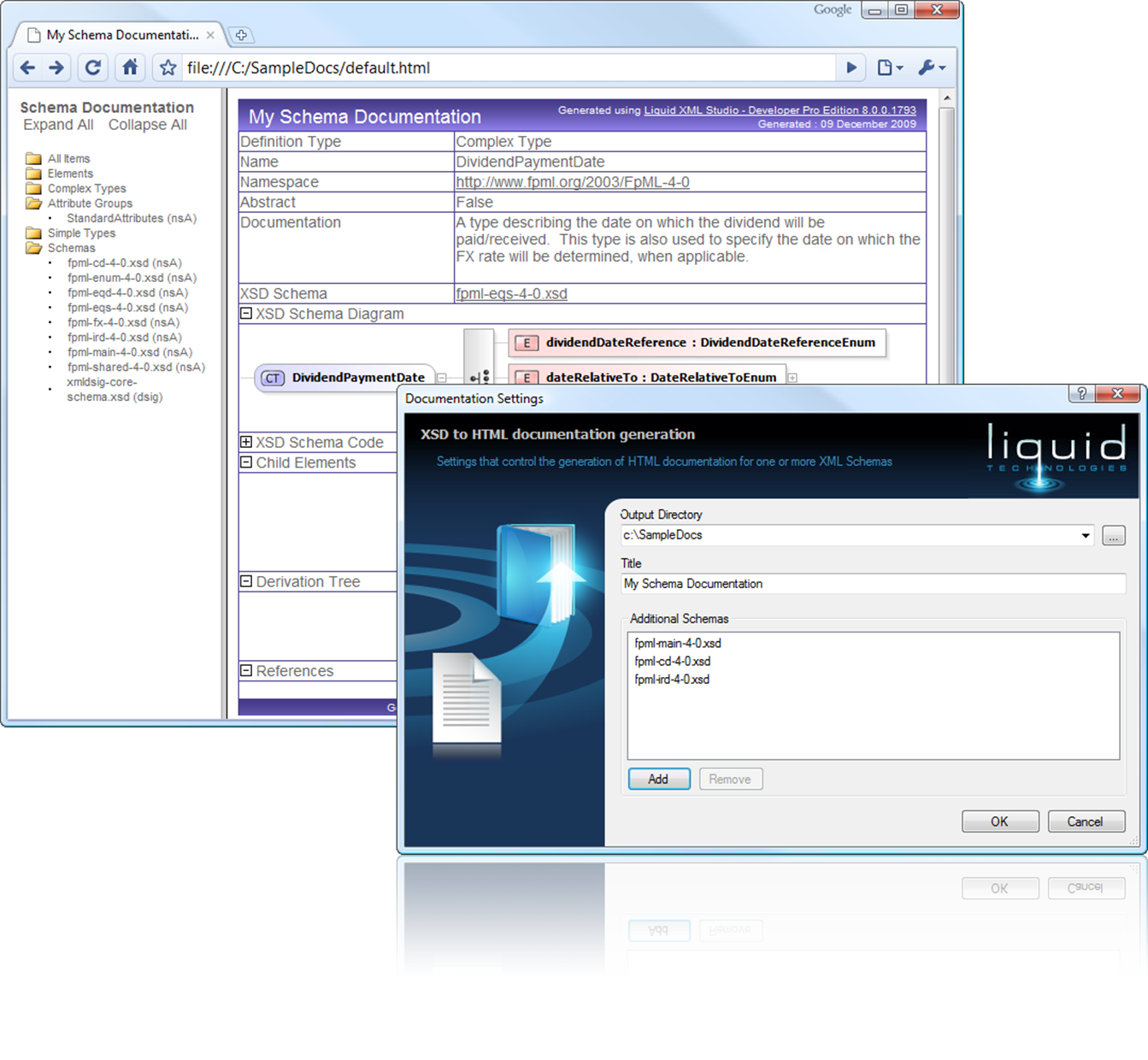
Generate Cross browser HTML from your XSD Schemas. The documentation contains indexes, hyperlinks, each entity in the schema shows the complete XSD Code, with a textual description of its properties, diagram (while hot spots to link to child entities), all within collapsible sections so irrelevant information can be easily ignored. See Sample Docs.